Prepare a Cleaner Reference for 3D
Remove distracting scenery when it makes the object harder to read, then review the foreground before generating a model.
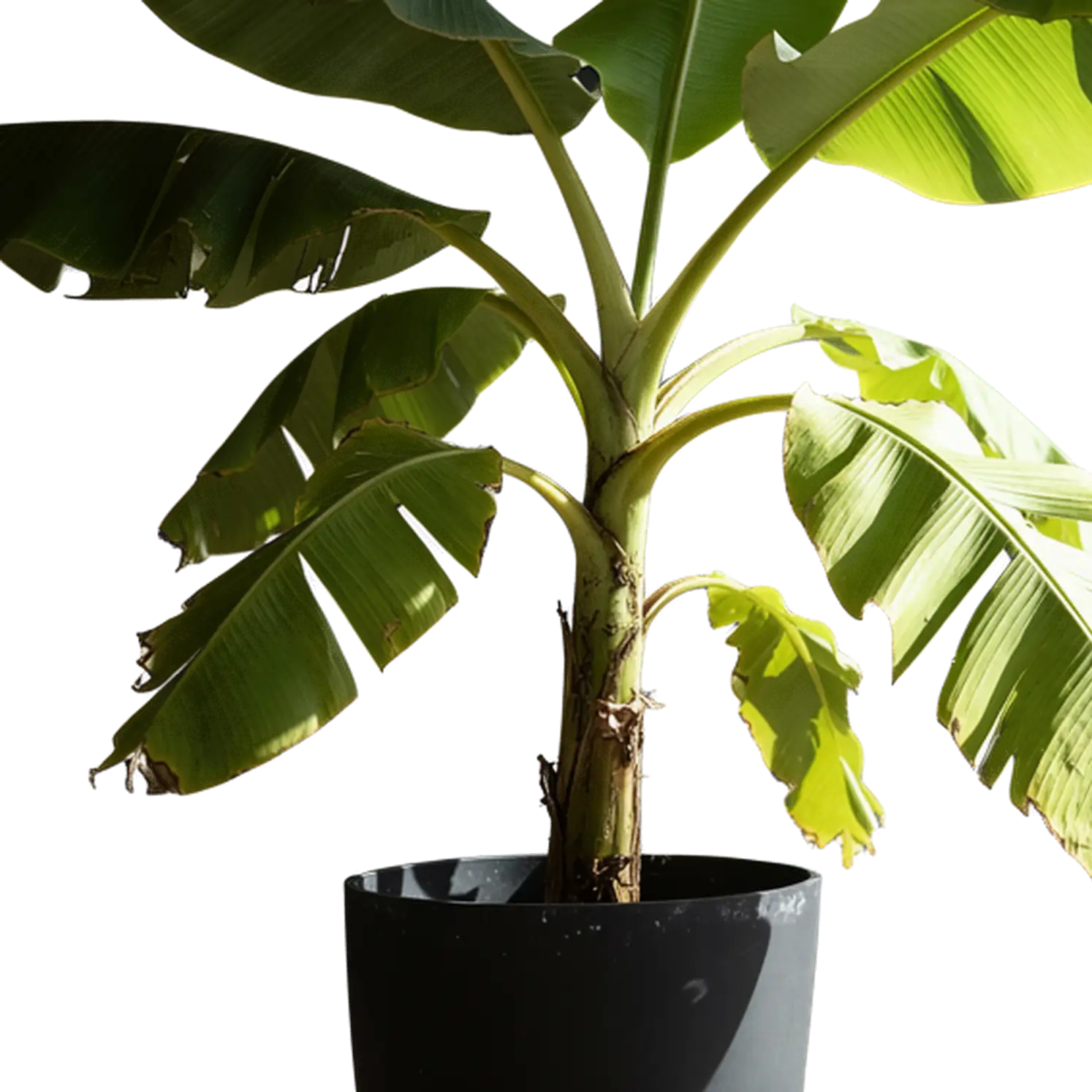
For image-to-3D, a useful cutout keeps the subject's full silhouette and distinctive parts intact. Check that removal has not erased thin structures or filled internal gaps. A clear photo on a plain background may already be sufficient; transparency is not a requirement for every model.
A cutout isolates the visible subject; it adds no new views or depth measurements. Use it as an input to the 3D generator, or place it directly into a flat composition in your design application.